
REDTOP™
Software for Rocket Engine Design
Explore the system trade space and improve design decisions

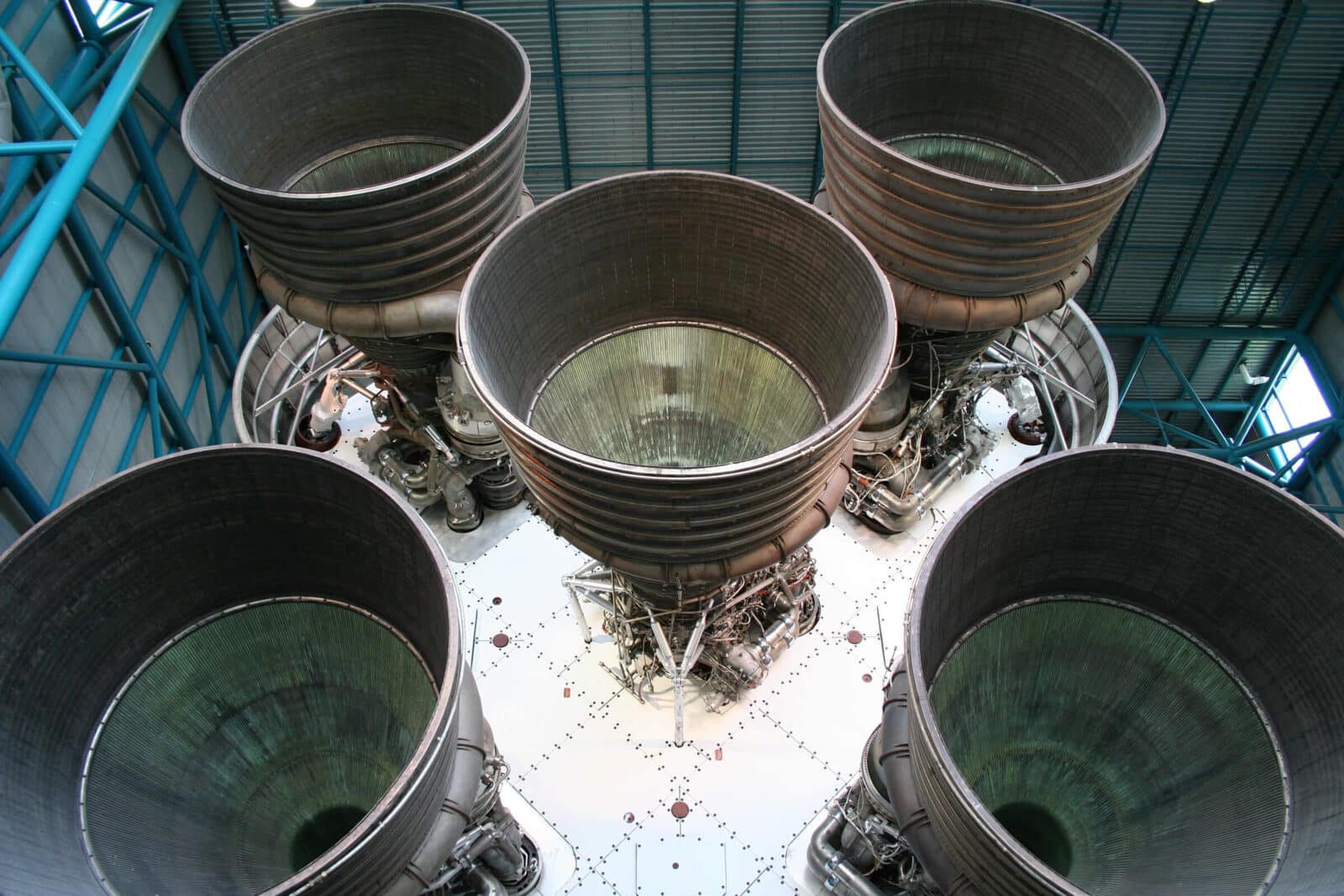
Why Redtop?
A propulsion test stand on your desktop
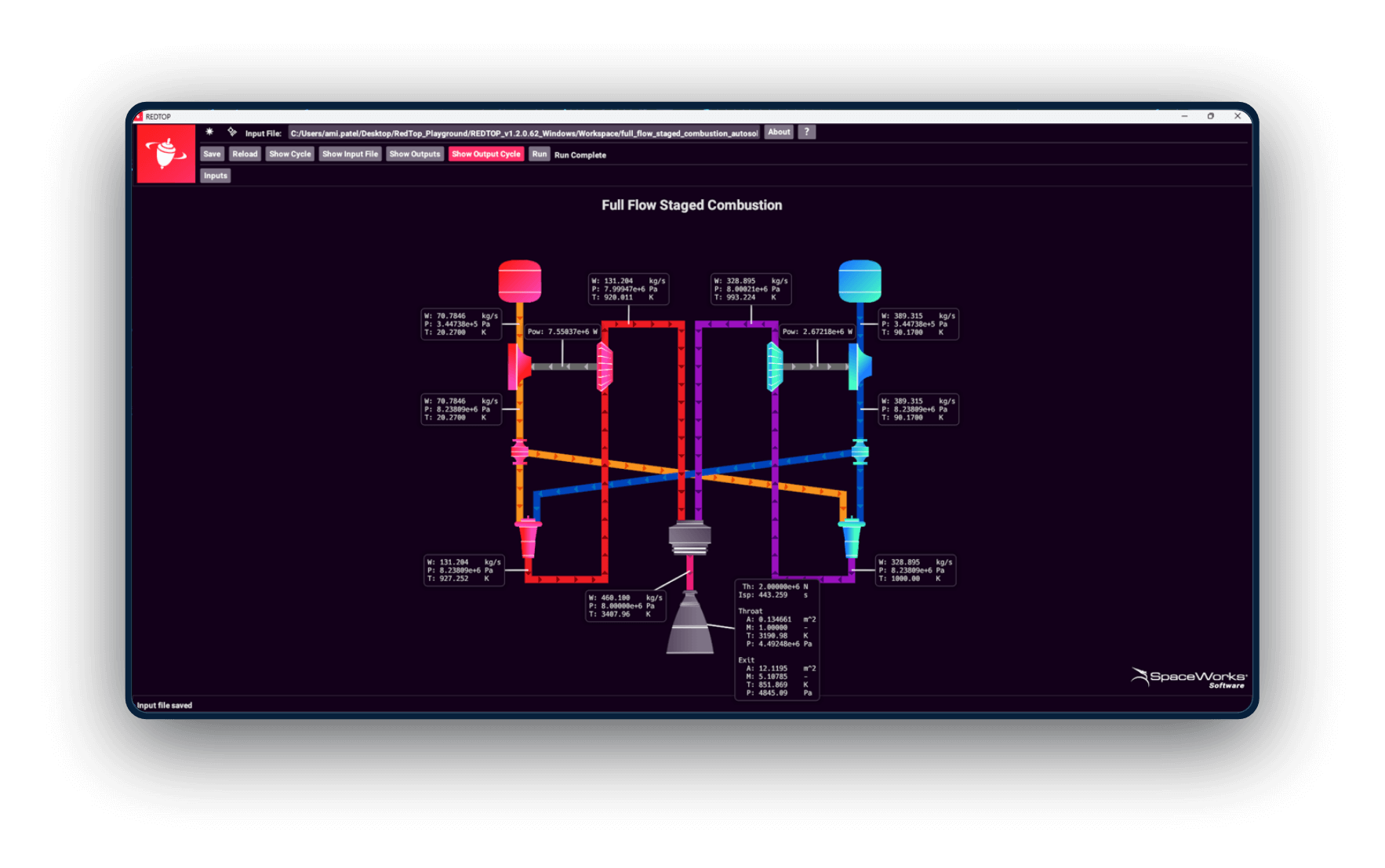
Streamlined workflow
Straightforward menus and clear diagrams make accurate model setup easy
Cycle options
Pre-built engine cycle models run the gamut of modern liquid rocket engine configurations
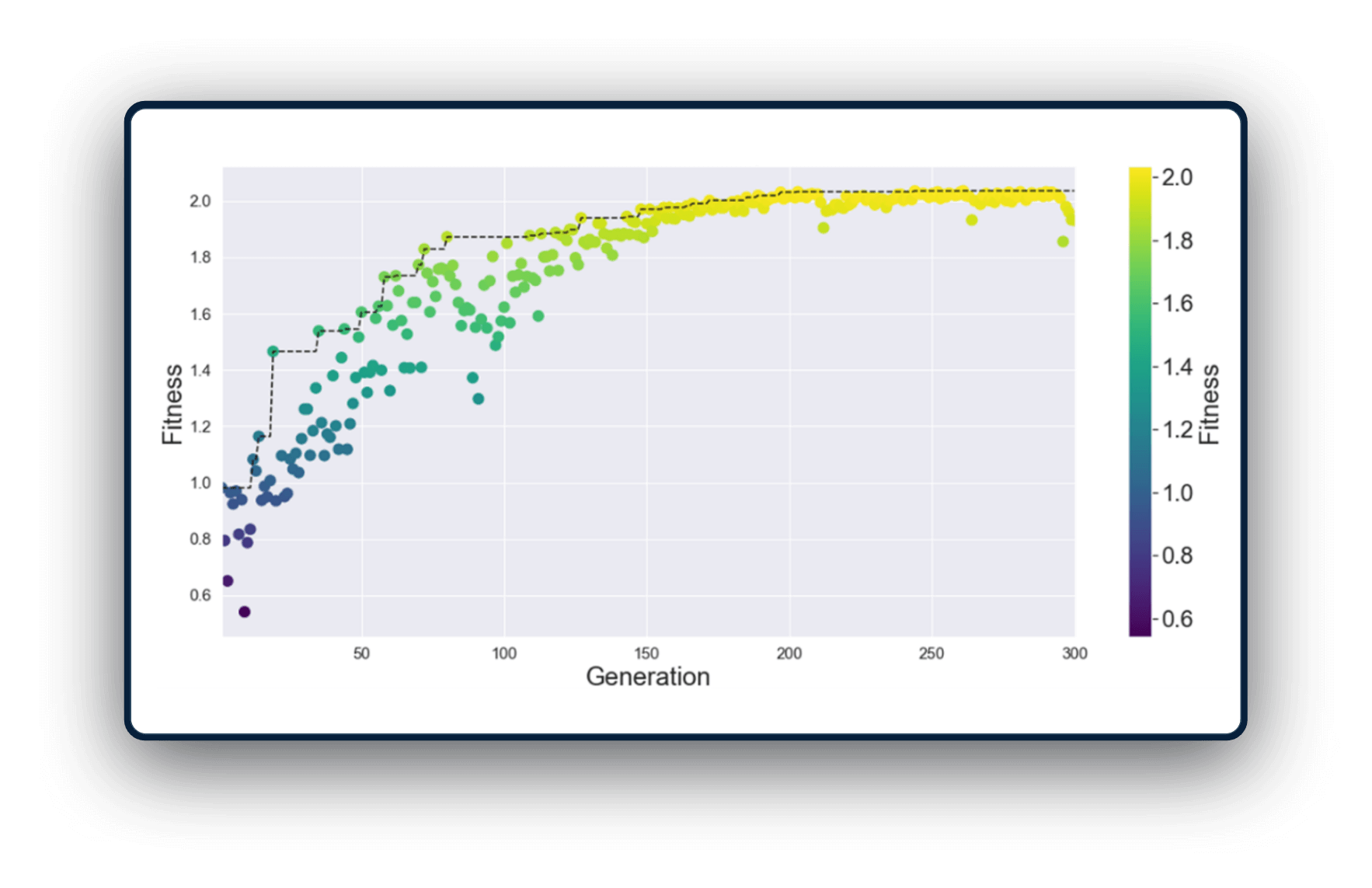
Rapid and robust execution
Simulate point designs in seconds and run parametric sweeps with confidence
Advanced Capabilities
Power up your engine design
Features
Flexible modeling and analysis
- Multiple propellant configurations (monopropellant, bipropellant, cold gas thruster) expand modeling to virtually any liquid rocket engine
- Power balance solution ensures consistency in turbomachinery sizing
- Editable chemical species database allows customization to match user needs
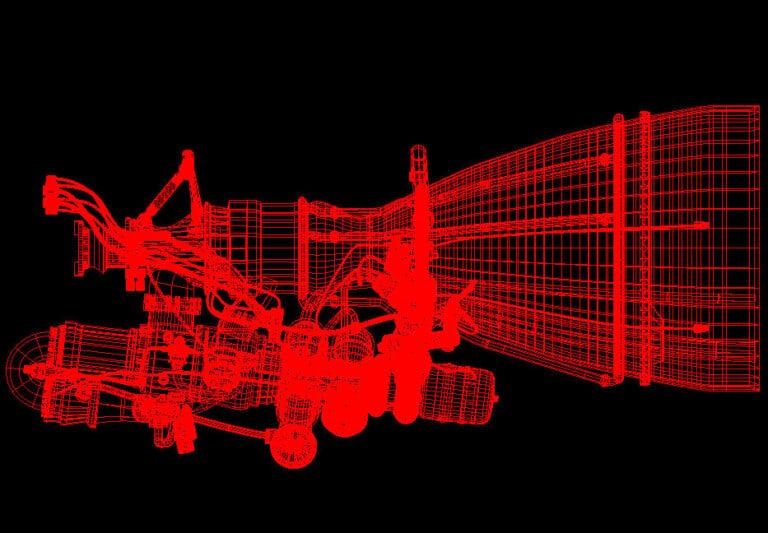
- 3D geometry outputs make nozzle and combustion chamber sizing tangible and transferable
- Flexible units of measurement (English or SI) offer convenient integration and reporting
- Syntax highlighting for Notepad++, VScode, and Gedit makes file editing easy
License Information
REDTOP™ software is sold under an annual renewable license. This license entitles the customer to one (1) year of REDTOP use, as well as access to any updates released during that license period. Both node-locked licenses and site licenses are available.
Please contact SpaceWorks directly for further information. For sales information, contact software@spaceworks.aero
ITAR and EAR Notice
SpaceWorks’ software products and documentation are restricted by various U.S. and non-U.S. laws and regulations related to export, trade, embargoes and sanctions, use and end user restrictions, and import, including, without limitation, the U.S. Export Administration Regulations (EAR), International Traffic in Arms Regulations (ITAR), and regulations of the Office of Financial Asset Controls of the U.S. Treasury Department.
System Requirements
Active license includes all software updates
- Windows 7, 8, 10, 11
- Mac OS X
- Linux
Additional Notes
- Run from a windows GUI or via command line.
- Text-based input and output files permit easy scripting for automated execution.